Artificial intelligence is rapidly reshaping creative work, but not in the way many designers originally feared. The biggest shift is no longer about AI replacing designers with automated image generation tools. Instead, the industry is moving toward AI agents that support creative workflows, reduce operational friction, and help teams focus more deeply on actual creative thinking.
Creative professionals today face enormous pressure to deliver faster campaigns, maintain brand consistency across multiple platforms, manage growing content demands, and collaborate across increasingly complex digital workflows. At the same time, many designers spend a surprising amount of their day handling repetitive operational tasks rather than designing.
This is where AI Super Agents are changing the conversation.
Unlike traditional AI tools that simply respond to prompts, modern AI agents can operate across workflows, organize information, automate coordination tasks, and assist teams proactively. They are designed to work alongside creative professionals instead of replacing human creativity altogether.
The most effective creative teams in 2026 are not using AI to eliminate human judgment. They are using AI to remove workflow bottlenecks, reduce administrative overload, accelerate iteration, and free up more time for ideation, storytelling, and creative exploration.
Creativity still depends on human intuition, emotional understanding, visual taste, cultural awareness, and strategic thinking. AI agents simply help designers spend more time applying those strengths where they matter most.
What Creative Teams Are Actually Struggling With Today
Most creative teams are not suffering from a lack of ideas. They are struggling with operational overload.
Modern designers work in highly fragmented environments filled with scattered feedback, endless revisions, approval bottlenecks, inconsistent asset management, and constant context switching between tools. As digital content demands continue growing, creative teams are expected to produce more output in less time without sacrificing originality or quality.
One of the biggest challenges is that creative work is increasingly surrounded by non-creative work.
Designers now spend significant portions of their day on tasks such as:
- Organizing files and folders
- Searching for the latest asset versions
- Managing stakeholder feedback
- Updating project statuses
- Writing handoff notes
- Tracking approvals
- Reformatting assets for multiple platforms
- Coordinating across departments
- Attending workflow meetings
- Managing repetitive production tasks
According to recent workflow research highlighted in the source material, many creative teams spend more than a quarter of their time on operational activities instead of actual creative execution.
This operational burden creates several long-term problems for creative organizations:
Reduced Creative Focus
Frequent interruptions and administrative work make it difficult for designers to enter deep creative flow states. Constant switching between communication apps, project boards, asset libraries, and review systems fragments attention and reduces creative momentum.
Faster Burnout
Creative professionals are increasingly expected to meet aggressive production timelines while maintaining high-quality output. When repetitive operational work consumes too much energy, burnout rises quickly across teams.
Slower Iteration Cycles
Creative work depends heavily on experimentation and iteration. But when approvals, file management, and communication become disorganized, teams spend more time coordinating than improving ideas.
Inconsistent Brand Execution
As companies expand across more channels and formats, maintaining consistent visual identity becomes harder. Teams often struggle to keep everyone aligned on the latest brand guidelines, templates, and approved assets.
Collaboration Friction
Modern creative projects involve multiple stakeholders including marketers, product teams, executives, developers, copywriters, and clients. Feedback often becomes scattered across emails, chats, documents, and design tools, making collaboration chaotic.
Tool Overload
Many creative teams now operate across numerous disconnected platforms for:
- design,
- communication,
- project management,
- file storage,
- approvals,
- analytics,
- and asset management.
This fragmentation increases cognitive overload and slows production workflows.
What makes this especially important is that most of these challenges are operational rather than creative. Designers are not asking AI to replace imagination, taste, or storytelling. They are asking for help managing the growing complexity around creative work.
This distinction is critical to understanding why AI agents are gaining traction among modern creative teams.
What Are AI Super Agents and How Do They Differ From Basic AI Tools?
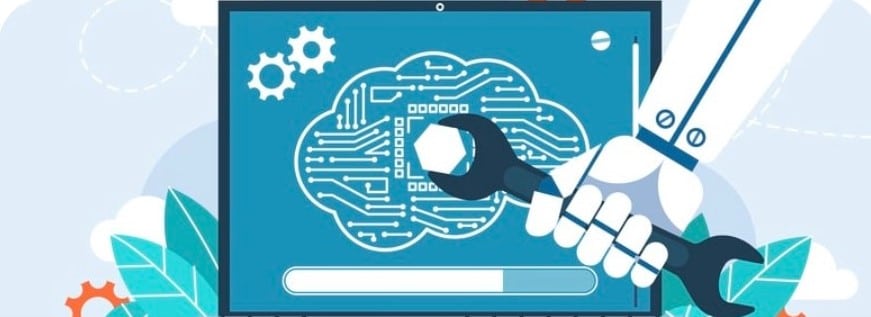
AI Super Agents are advanced AI systems designed to handle multi-step workflows, coordinate tasks, maintain context across tools, and operate more autonomously than traditional AI applications. Instead of simply responding to isolated prompts, they can actively participate in ongoing work processes.
A basic AI tool typically performs one task at a time. For example:
- generating an image,
- summarizing text,
- rewriting copy,
- or creating a quick design variation.
These tools are reactive. They wait for instructions and complete a single output request.
AI Super Agents work differently.
They are designed to understand goals, manage context, connect workflows, and execute multiple coordinated actions across systems. Rather than acting like a single-purpose tool, they function more like collaborative digital teammates integrated into the creative workflow itself.
For example, instead of only generating a mockup, an AI Super Agent might:
- retrieve the latest campaign brief,
- identify approved brand assets,
- organize design references,
- generate early draft concepts,
- notify reviewers,
- assign approval tasks,
- summarize stakeholder feedback,
- and track revision progress automatically.
This shift from “single prompt generation” to “workflow orchestration” is what separates AI agents from earlier generations of AI tools.
Key differences between basic AI tools and AI Super Agents
| Feature | Basic AI Tools | AI Super Agents |
|---|---|---|
| Workflow capability | Single-task execution | Multi-step workflow management |
| Context awareness | Limited session memory | Persistent contextual understanding |
| Collaboration | Primarily user-to-tool interaction | Team and workflow collaboration |
| Automation level | Reactive responses | Proactive operational support |
| Data integration | Limited | Connected across platforms and systems |
| Adaptability | Prompt dependent | Learns from feedback and workflow patterns |
| Role in creative work | Content generation | Workflow coordination and creative assistance |
Modern AI Super Agents often include capabilities such as:
- memory systems,
- contextual reasoning,
- cross-platform integrations,
- automation triggers,
- workflow monitoring,
- and collaborative task management.
Another major difference is that AI agents increasingly operate within existing team environments instead of outside them. Many modern systems can interact directly inside project management platforms, communication tools, asset libraries, and collaborative workspaces.
Research into human-AI creative collaboration also shows that designers respond more positively when AI behaves like a collaborative assistant rather than a rigid automation engine. Designers tend to value systems that support exploration, reflection, iteration, and coordination while leaving creative judgment to humans.
Why AI Agents Amplify Creativity Instead of Replacing It
One of the biggest misconceptions surrounding AI in creative industries is the belief that automation automatically reduces originality. In reality, the newest generation of AI agents is being adopted not because they replace creative thinking, but because they remove the operational friction that prevents creative teams from doing their best work.
Creativity depends heavily on human qualities that AI still cannot fully replicate, including:
- Emotional intelligence
- Cultural awareness
- Strategic storytelling
- Brand intuition
- Visual taste
- Original perspective
- Creative risk-taking
- Contextual judgment
Design is not simply the production of visuals. Strong creative work involves understanding audiences, interpreting emotions, shaping narratives, and making nuanced decisions that depend on experience and human insight.
AI agents are most effective when they support these processes instead of attempting to replace them.
Modern creative teams are increasingly using AI agents to handle the operational and repetitive layers surrounding creative work so designers can spend more time on high-value thinking and experimentation.
This creates several important benefits for creative professionals.
More Time for Deep Creative Work
One of the greatest threats to creativity today is constant interruption. Designers frequently lose momentum because of repetitive coordination tasks, status updates, feedback management, and file organization.
AI agents help reduce these interruptions by automating many of the workflow tasks that break creative concentration. This allows designers to spend longer periods in focused creative flow states where stronger ideas often emerge.
Faster Exploration of Ideas
Creative quality often improves through iteration. The ability to quickly test multiple directions helps teams discover stronger visual concepts and messaging approaches.
AI agents can rapidly generate supporting drafts, moodboards, layout variations, or organizational structures that help designers explore ideas faster without manually rebuilding every version from scratch.
Importantly, the designer still guides the creative direction. The AI simply accelerates exploration.
Reduced Cognitive Overload
Creative professionals today manage far more information than before:
- brand systems,
- campaign assets,
- stakeholder comments,
- analytics,
- deadlines,
- platform specifications,
- and cross-functional collaboration.
AI agents can organize and surface relevant context automatically, reducing the mental overhead associated with administrative coordination.
This allows creative energy to stay focused on solving design problems rather than managing operational complexity.
Stronger Cross-Team Collaboration
Modern design work rarely happens in isolation. Designers collaborate with marketers, developers, product managers, writers, executives, and clients across multiple tools and workflows.
AI agents can summarize discussions, organize feedback, identify action items, and keep teams aligned automatically. This reduces communication friction and speeds up decision-making without removing human collaboration from the process.
Creativity Becomes More Strategic
As AI handles repetitive operational tasks, designers can dedicate more attention to:
- storytelling,
- conceptual thinking,
- customer psychology,
- experience design,
- and creative strategy.
In many organizations, AI agents are actually increasing the strategic importance of human designers because creative judgment becomes even more valuable when production becomes faster and more automated.
This is why many industry experts now describe AI agents as “creative amplifiers” rather than creative replacements.
The role of the designer is evolving from pure production toward higher-level creative direction, systems thinking, brand leadership, and experience orchestration.
How AI Agents Support Creative and Design Teams
AI agents are becoming increasingly valuable because they integrate directly into everyday creative workflows instead of functioning as isolated tools. They support design teams by reducing manual coordination, improving operational efficiency, and accelerating creative iteration across projects.
The most effective implementations focus on supporting the creative process rather than automating creative judgment itself.
Automating repetitive tasks so designers focus on craft
A large percentage of creative work involves repetitive operational activities that do not require deep creative thinking but still consume significant time.
AI agents can automate many of these tasks, including:
- Organizing project assets
- Renaming files consistently
- Tracking approvals
- Assigning review tasks
- Updating project statuses
- Scheduling reminders
- Managing version histories
- Summarizing meeting notes
- Routing feedback to the correct stakeholders
- Formatting content for multiple channels
This operational support reduces administrative fatigue and allows designers to focus more attention on:
- concept development,
- visual storytelling,
- interaction design,
- typography,
- branding,
- and user experience.
Instead of acting as replacement systems, AI agents function more like intelligent workflow coordinators that quietly remove friction from the creative process.
In fast-moving creative environments, even small workflow automations can save teams dozens of hours every month.
Generating variations and drafts for faster iteration
Iteration is one of the foundations of strong creative work. Designers rarely arrive at the best solution immediately. Great outcomes usually emerge through experimentation, refinement, and comparison.
AI agents help accelerate this process by generating:
- layout variations,
- alternate copy directions,
- visual compositions,
- asset recommendations,
- moodboard concepts,
- and structural drafts.
This allows teams to explore more creative directions in less time.
For example, a designer working on a campaign may use AI-assisted systems to quickly produce multiple:
- headline structures,
- color approaches,
- composition layouts,
- or presentation variations.
The designer still evaluates quality, makes creative decisions, and refines the final output. The AI simply reduces the time required to create starting points.
This is especially valuable for:
- brainstorming sessions,
- early-stage ideation,
- campaign exploration,
- rapid prototyping,
- and testing creative hypotheses.
Modern AI agents are also becoming more context-aware, meaning they can increasingly generate outputs aligned with:
- brand guidelines,
- previous campaigns,
- design systems,
- audience preferences,
- and project history.
This makes iteration faster without completely sacrificing consistency.
Surfacing context and insights across projects
One of the most overlooked problems in creative work is information fragmentation.
Creative teams often struggle to locate:
- previous campaign assets,
- stakeholder decisions,
- approved messaging,
- research findings,
- design rationale,
- and project feedback.
AI agents help solve this problem by acting as contextual knowledge assistants across workflows.
Modern AI systems can:
- retrieve relevant files,
- summarize project discussions,
- identify related work,
- surface historical decisions,
- track recurring feedback patterns,
- and connect information across platforms automatically.
This reduces time wasted searching through emails, folders, chats, and project management systems.
For example, an AI agent may automatically:
- surface a previous brand campaign with similar goals,
- retrieve approved design components,
- summarize client feedback trends,
- or identify frequently requested revisions.
This contextual awareness improves:
- design consistency,
- collaboration speed,
- onboarding efficiency,
- and organizational memory.
It also helps newer team members ramp up faster by giving them easier access to institutional knowledge that would otherwise remain buried across disconnected systems.
As AI agents become more integrated into collaborative platforms, their role is shifting from simple automation tools toward intelligent workflow partners that support coordination, retrieval, and operational awareness across entire creative ecosystems.
Best Practices for Adopting AI Agents in Creative Workflows
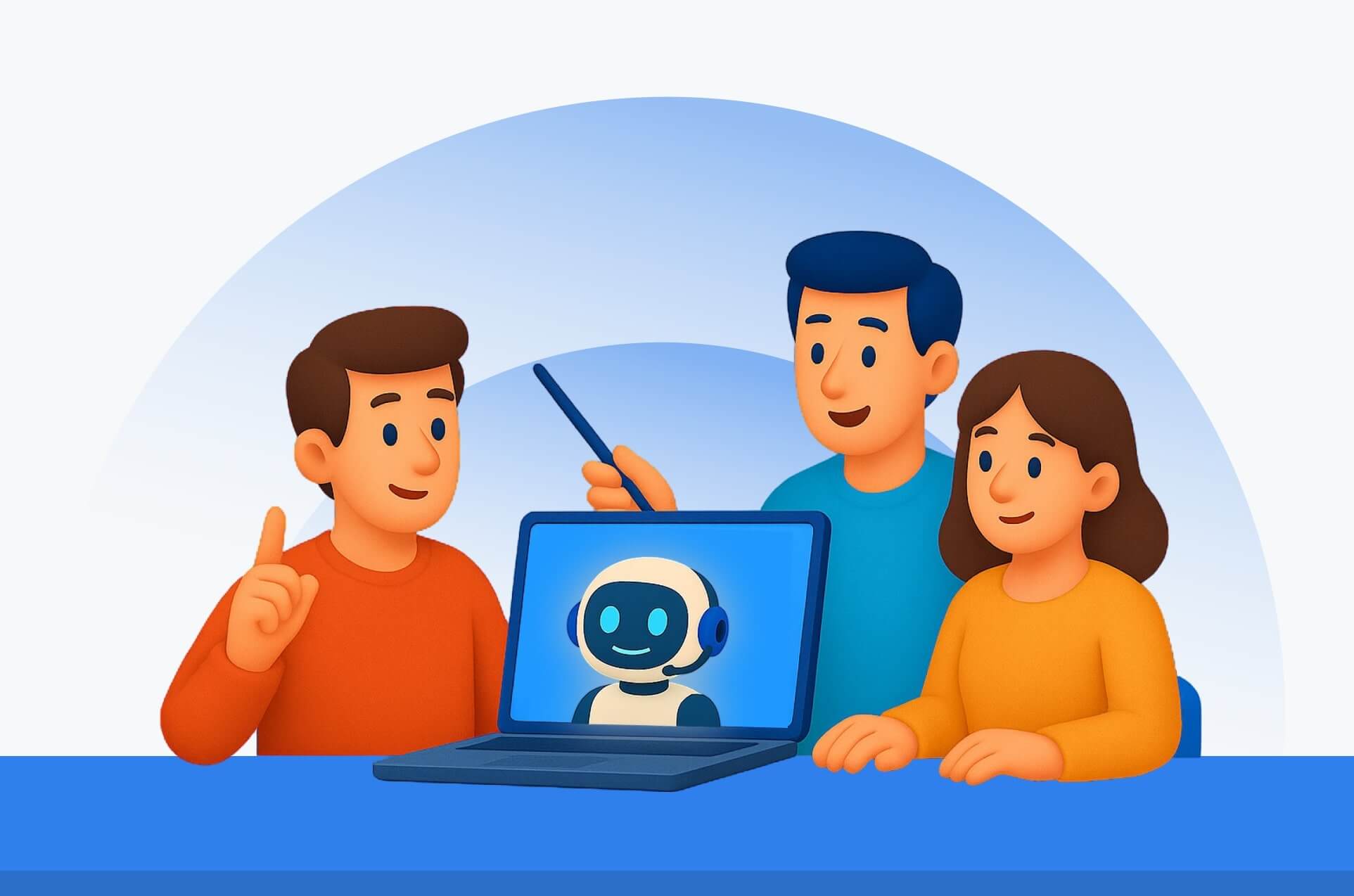
Successfully introducing AI agents into creative environments requires more than simply deploying new technology. Creative teams need thoughtful implementation strategies that protect creativity, reduce resistance, and ensure automation supports human work instead of disrupting it.
Organizations that adopt AI successfully usually focus on augmentation rather than replacement from the very beginning.
Start with the most hated tasks
The best starting point for AI adoption is not core creative decision-making. It is repetitive operational work that creative teams already dislike doing.
This often includes:
- project updates,
- asset organization,
- repetitive resizing,
- approval tracking,
- documentation,
- and administrative coordination.
Automating these low-value tasks creates immediate benefits without threatening the creative identity of the team.
Starting small also helps organizations build trust gradually. Designers are far more likely to embrace AI systems that clearly remove frustration rather than interfere with creative ownership.
Many successful creative teams begin AI adoption with workflow support before expanding into ideation or production assistance later.
Let designers opt in
Forced AI adoption often creates resistance, anxiety, and skepticism within creative organizations.
Creative professionals want to feel that they still maintain control over:
- artistic direction,
- creative standards,
- workflows,
- and final decisions.
Allowing designers to experiment voluntarily creates healthier adoption patterns. Teams can identify useful use cases organically while reducing fear around automation.
Opt-in adoption also helps organizations learn:
- which workflows benefit most from AI,
- where friction still exists,
- and what types of automation designers actually find valuable.
This collaborative approach creates stronger long-term integration and better cultural acceptance.
Set clear boundaries
One of the most important parts of AI implementation is defining where automation should stop.
Creative organizations should establish clear guidelines around:
- final approvals,
- brand-sensitive decisions,
- original concept creation,
- ethical use,
- copyright concerns,
- and client-facing deliverables.
AI agents should support workflows, but human professionals should remain responsible for:
- creative direction,
- strategic messaging,
- emotional storytelling,
- and final quality control.
Clear boundaries reduce confusion and help teams understand that AI is a support system rather than an authority.
Many organizations now create internal AI governance frameworks that define:
- acceptable AI use cases,
- review requirements,
- security standards,
- and human oversight responsibilities.
Review automations quarterly
Creative workflows evolve constantly, and AI automations that worked well six months ago may become inefficient, outdated, or unnecessary later.
Regular automation reviews help teams:
- remove ineffective workflows,
- identify quality issues,
- update integrations,
- refine AI behavior,
- and improve collaboration processes.
Quarterly reviews also allow organizations to evaluate:
- productivity improvements,
- designer satisfaction,
- workflow bottlenecks,
- and unintended side effects.
This continuous optimization approach is especially important because AI technology is advancing rapidly. New capabilities, integrations, and workflow patterns are emerging constantly.
Creative teams that treat AI adoption as an evolving operational strategy rather than a one-time setup tend to achieve the strongest long-term results.