

Switching project management tools is a big decision for any team. It affects how people plan work, track progress, and communicate every day. A good tool can make work clear and fast. A poor one can create confusion, slow updates, and missed deadlines.
Many teams think switching is simple. They expect to export data, import it into a new system, and continue working. In reality, the process takes planning, testing, and team effort. If done poorly, it can reduce productivity for weeks and create frustration across the team.
The main goal of switching tools is not just to use new software. It is to improve how work flows. A strong project management tool should show what needs to be done, who owns each task, and what is blocked—without extra meetings or messages.
This guide will help you understand when to switch, what to look for in a new tool, and how to prepare your team for a smooth transition.
Signs You Need to Switch Project Management Tools
Not every problem means you need a new tool. Sometimes the issue is poor workflow or low team adoption. But there are clear signs that your current tool is holding your team back.
1. Your team still relies on chat and meetings for updates
If people keep asking, “What’s the status?” or “Who owns this?”, your tool is not doing its job. A good system should show this information clearly in one place.
2. Duplicate work is slowing your team
When users update tasks in the tool and then repeat the same updates in chat apps, it creates extra work. This is a strong sign the tool is not trusted as the main source of truth.
3. Task ownership is unclear
Projects fail when no one knows who is responsible for the next step. If tasks move forward without clear owners, your tool is not supporting accountability.
4. Reporting takes too much manual effort
If your team spends hours building reports every week, your tool is not giving real-time visibility. A strong PM tool should show progress automatically.
5. Team adoption is low
If less than 70% of your team actively uses the tool, switching alone will not fix the problem. But if adoption is low because the tool is hard to use, then it may be time to move on.
6. The tool does not fit your workflow
Every team works differently. If your tool forces you to change how you work instead of supporting your process, it becomes a daily struggle.
7. Missing critical features
If you cannot perform key tasks—like tracking dependencies, managing resources, or automating workflows—then the tool is limiting your growth.
When you notice several of these issues at once, it is a strong signal that switching tools can improve productivity and clarity.
What to Evaluate in Your Next PM Tool
Choosing the right tool is the most important part of the process. Many teams fail because they focus only on features and ignore how the tool fits their daily work.
Here are the key areas you should evaluate carefully:
Usability and team fit
A project management tool must be easy to use for everyone, not just project managers. If the interface is complex, people will avoid using it.
Look for a tool that:
- Is simple to learn within a short time
- Matches how your team already works
- Reduces clicks and manual steps
- Works well on both desktop and mobile
If users cannot update tasks quickly, they will stop using the system. That leads to outdated data and poor decisions.
Also, involve your team in the selection process. When people feel included, they are more likely to adopt the new tool successfully.
Integrations with your current tech stack
Your PM tool should connect smoothly with the tools your team already uses. This includes email, chat apps, file storage, and other business systems.
Strong integrations help you:
- Reduce manual data entry
- Keep all information in sync
- Avoid switching between multiple platforms
- Build a single source of truth
Without proper integrations, your team may end up managing work in several places. This creates confusion and wasted time.
Many teams struggle because their tools do not “talk” to each other. Choosing a system with strong integration support can solve this problem early.
Must-have features for project management
Every team has different needs, but some features are essential for effective project management.
Make sure your next tool includes:
- Task and project tracking: You should be able to create tasks, assign owners, set deadlines, and track progress easily.
- Clear visibility: The tool should show project status, upcoming work, and blockers without extra effort.
- Collaboration features: Team members should be able to comment, share files, and keep all communication inside tasks.
- Automation: Automation reduces repetitive work like status updates, reminders, and task assignments.
- Reporting and dashboards: Real-time reports help teams make better decisions without manual effort.
- Custom workflows: Your tool should adapt to your process, not force you into a rigid structure.
Before choosing a tool, define your “must-have” workflow. This helps you avoid picking software that looks good but does not fit your real needs.
Your Step-by-Step Checklist for Switching PM Tools
Switching project management tools is not just a technical task. It is a structured process that involves planning, cleanup, testing, and team alignment. Many teams fail because they rush the migration or move everything at once.
A better approach is to move step by step. Focus only on what matters, keep workflows simple, and support your team during the change. When done right, the transition can take a few weeks instead of several months and avoid major productivity loss.
Below is a practical checklist that helps you switch tools smoothly and safely.
Step 1: Audit your current tool and workflows
Start by understanding what you already have. This step builds the foundation for everything else.
Review your current setup in detail:
- Active and completed projects
- Tasks, subtasks, and dependencies
- Custom fields and statuses
- Automations and workflows
- Integrations with other tools
The goal is not to copy everything. It is to decide what is worth moving.
Many teams make the mistake of migrating all data. This creates clutter and confusion in the new system. In reality, most old data is not needed anymore. Experts suggest focusing mainly on active projects and recent work while leaving older data archived.
You should also identify pain points:
- Where do delays happen?
- What takes too many steps?
- Which features are missing?
This step helps you avoid repeating the same problems in the new tool.
Step 2: Back up and export project data
Before making any changes, secure your data. This is your safety net.
Export all important information from your current tool:
- Projects and tasks
- Files and attachments
- Comments and discussions
- Reports and dashboards
Even if you do not plan to migrate everything, keep a full backup. If something goes wrong during migration, you can recover your data without risk.
Also, organize your exported data:
- Clean duplicate or outdated tasks
- Standardize names and labels
- Remove irrelevant files
Cleaning data before migration reduces errors and keeps your new workspace organized.
Think of this step as decluttering before moving into a new house.
Step 3: Set up and configure your new workspace
Now it is time to build your new system—but without importing data yet.
Create a clean structure in your new tool:
- Workspaces or teams
- Projects and folders
- Task statuses and workflows
- User roles and permissions
Avoid copying your old structure exactly. Each tool has its own design and strengths. Rebuilding the same setup can limit the benefits of the new platform.
Instead:
- Use built-in templates where possible
- Simplify workflows
- Reduce unnecessary fields
This is also the right time to:
- Set up integrations with other tools
- Configure automations
- Create dashboards and views
A well-structured workspace makes migration easier and improves long-term usability.
Step 4: Migrate tasks, projects, and resources
Once your new workspace is ready, start moving your data.
Do not migrate everything at once. This is one of the biggest mistakes teams make.
Follow a phased approach:
- First, move active projects and tasks
- Next, move recent or reference data if needed
- Keep older data in the old system as read-only
Moving only essential data reduces complexity and improves clarity. Many teams discover that up to 70–80% of old data is rarely used.
Before full migration:
- Run a test migration with a small project
- Check if task details, owners, and deadlines are correct
- Fix mapping issues between old and new fields
Also, ensure:
- Task ownership is clear
- Dependencies are maintained
- Files and attachments are accessible
This step requires careful attention, but it prevents bigger issues later.
Step 5: Train your team and go live
Your migration is not complete until your team is comfortable using the new tool.
Start with training:
- Show how to create and update tasks
- Explain new workflows and processes
- Share simple guides or videos
Hands-on sessions work best. Let users practice with real tasks instead of examples.
Next, plan your launch carefully.
Avoid a sudden switch. Instead, use a phased transition:
- Run both tools in parallel for a short time
- Start new projects in the new tool
- Keep old projects in the previous system until completed
This approach reduces confusion and helps people adapt gradually.
Also:
- Assign “power users” to help others
- Collect feedback daily during the early phase
- Fix issues quickly
Remember, adoption is the real success metric. A tool only works if people use it consistently.
How Corexta Makes Switching Project Management Tools Easy
Switching project management tools often feels like a long and stressful process. Teams worry about losing data, breaking workflows, and slowing down work for weeks. But with a modern, all-in-one platform like Corexta, the transition becomes much simpler and faster.
Instead of dealing with scattered tools, manual imports, and disconnected systems, Corexta provides a single workspace where everything fits together from the start. It is built to reduce friction, speed up onboarding, and help teams stay productive during the switch.
Let’s break down exactly how Corexta makes this process easy.
Skip weeks of data re-entry
One of the biggest pain points when switching tools is data migration. Teams often spend days or even weeks copying tasks, updating statuses, and rebuilding projects manually. This process is slow, error-prone, and frustrating.
Corexta removes this burden by offering a structured and centralized system where your data can be organized quickly. Instead of rebuilding everything from scratch, you can set up projects, tasks, clients, and workflows in a clean environment designed for fast configuration.
The platform allows you to:
- Create projects and tasks in a structured way
- Assign team members instantly using built-in HR data
- Attach files, notes, and deadlines in one place
- Track time and progress without extra setup
Because everything is connected inside one system, you avoid repeating the same setup across multiple tools.
This reduces the need for manual data entry and helps your team move forward faster.
Instead of spending weeks rebuilding your workspace, you can focus on what matters—getting work done.
Leave work sprawl behind
Many teams switch tools because their work is scattered. Tasks live in one app. Files are in another. Communication happens somewhere else. This creates confusion and slows everything down.
Corexta solves this problem by bringing everything into one unified platform.
With Corexta, you can manage:
- Projects and tasks
- Clients and contracts
- Invoices and payments
- Team communication
- HR and employee data
- Time tracking and reporting
All of this lives inside one workspace.
This means your team no longer needs to switch between tools to get updates or complete tasks. Everyone works from a single source of truth.
When everything is centralized:
- Teams find information faster
- Communication becomes clearer
- Errors caused by missing data are reduced
- Project visibility improves
Corexta also connects different parts of your workflow. For example, a project can link directly to a client, tasks, time logs, and invoices. This creates a smooth flow from planning to delivery.
Instead of managing tools, your team manages work.
Cut manual busywork from day one
Manual work is one of the biggest productivity killers. Updating task statuses, sending reminders, tracking time, and preparing reports can take hours every week.
Corexta reduces this load by automating routine processes and simplifying daily workflows.
Here’s how it helps:
Automation and smart workflows
You can automate repetitive actions like:
- Task updates
- Notifications
- Workflow transitions
- Progress tracking
This saves time and reduces human error.
Real-time tracking and reporting
Corexta provides real-time insights into:
- Project progress
- Expenses and earnings
- Team productivity
You don’t need to build reports manually. The system updates everything automatically.
Built-in collaboration tools
With internal chat, comments, and notifications, teams can communicate directly inside tasks. There is no need to switch to external messaging tools.
Time tracking and accountability
The built-in timesheet feature helps teams log work hours easily. This improves transparency and reduces the need for manual tracking.
By removing repetitive tasks, Corexta allows your team to focus on meaningful work instead of admin tasks.
Bring AI and agents into the workspace from day one
Modern project management is not just about tracking tasks. It is about working smarter. This is where AI plays a major role.
Corexta brings intelligent features into your workflow from the beginning, helping teams make better decisions and move faster.
AI-powered insights
Corexta can:
- Suggest task priorities
- Identify delays early
- Provide insights into project performance
These features help teams stay proactive instead of reactive.
Smart resource planning
AI can help optimize how work is assigned. This ensures that no team member is overloaded while others are underutilized.
Faster decision-making
With real-time data and AI insights, managers can make quick and informed decisions without waiting for reports.
Scalable intelligence
As your team grows, AI continues to support your workflow. It adapts to your processes and improves efficiency over time.
This means you are not just switching tools—you are upgrading how your team works.
A smoother switch with less risk
Switching tools always carries some risk. Teams worry about downtime, confusion, and lost productivity. Corexta reduces these risks by offering a simple and structured setup process.
You can:
- Set up your workspace step by step
- Add teams, clients, and projects quickly
- Start tracking work immediately
- Scale features as your needs grow
The platform is designed to be easy to learn, even for non-technical users. This reduces training time and improves adoption across the team.
Because everything is built into one system, you avoid the complexity of managing multiple integrations or plugins.
Built for teams of all types
One major advantage of Corexta is its flexibility. It is not limited to one type of team or industry.
It supports:
- Marketing teams
- Development teams
- Sales teams
- Finance teams
- HR departments
- Agencies and service businesses
This makes it easier for companies to use one platform across the entire organization.
Instead of using separate tools for each department, everyone works in the same environment. This improves collaboration and reduces silos.
A true all-in-one platform
Most project management tools focus only on tasks. But modern teams need more than that.
Corexta goes beyond basic project management by combining:
- CRM (client management)
- Finance tools (invoices, payments, expenses)
- HR management (attendance, payroll, employees)
- Asset management
- Recruitment tools
All these features are built into one platform.
This means you don’t need to invest in multiple tools or manage complex integrations. Everything works together from the start.
Faster onboarding and adoption
A new tool is only useful if your team actually uses it. Corexta is designed with a user-friendly interface that makes onboarding simple.
Teams can:
- Learn the system quickly
- Start using features without long training sessions
- Adapt workflows without confusion
Because the platform is intuitive, users feel comfortable using it from day one. This leads to higher adoption rates and better results.
Ready to make the switch?
Switching project management tools does not have to be stressful. With the right platform, it can be a smooth and even exciting process.
Corexta helps you:
- Move faster without losing data
- Simplify workflows across your team
- Reduce manual work instantly
- Use AI to improve decision-making
- Manage everything from one place
👉 Start your free trial today and experience a smarter way to manage work.
Close the Gap Between Strategy and Execution
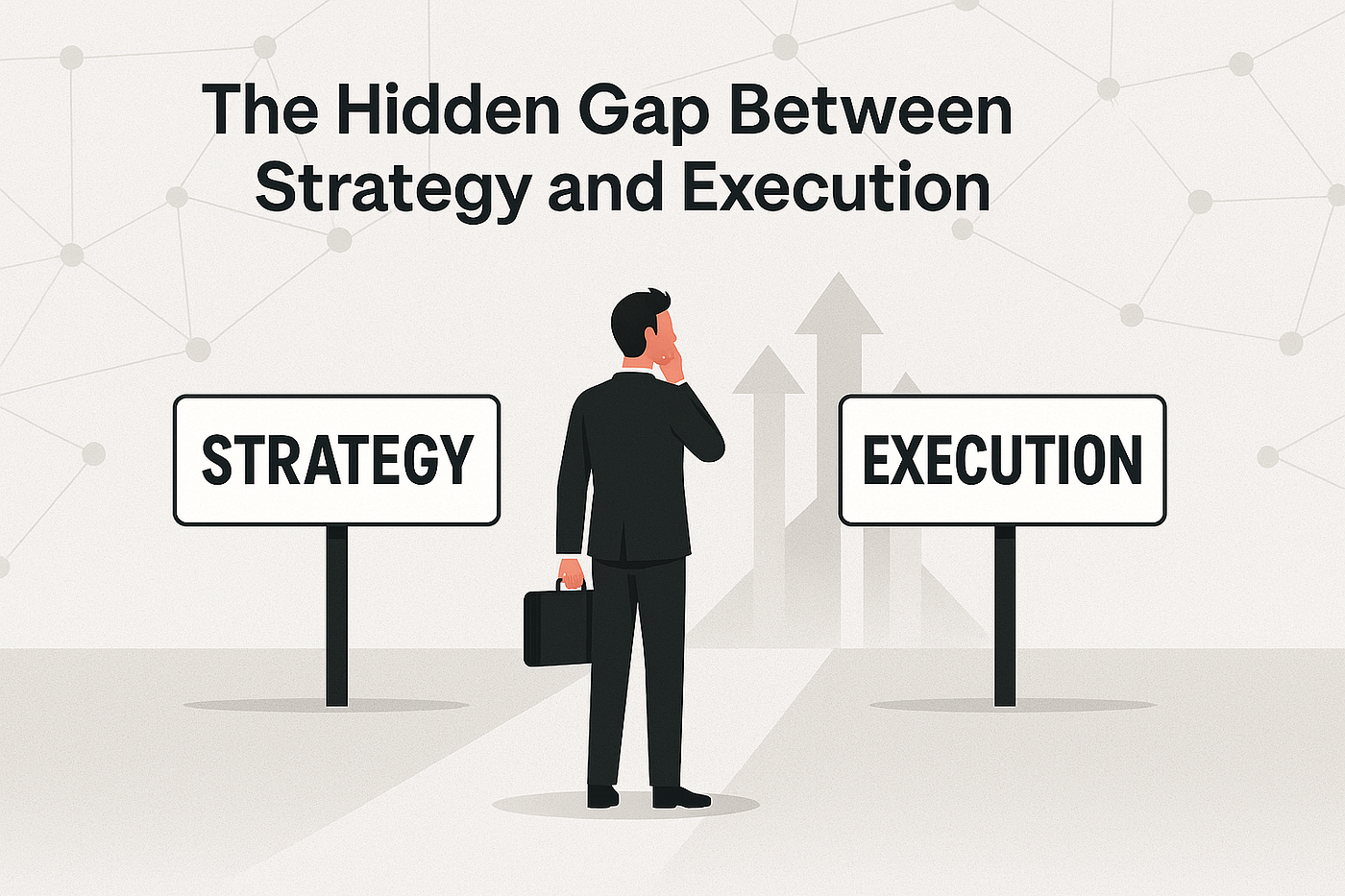
Many teams build strong plans. They set clear goals, define timelines, and assign resources. But when execution begins, things often break down. Tasks get delayed, priorities shift, and teams lose visibility. This gap between planning and execution is one of the biggest challenges in project management.
Switching to the right project management tool can help close this gap—but only if the tool supports real work, not just planning.
A strong system connects strategy with daily actions. It turns big goals into small, clear tasks. It shows who is responsible, what is due next, and where blockers exist. When teams can see this information in real time, they make better decisions and move faster.
One common issue is lack of visibility. Leaders create strategy, but teams on the ground do not always see the full picture. This leads to confusion and misaligned work. A good PM tool solves this by linking high-level goals with task-level execution. Everyone understands how their work connects to the bigger objective.
Another challenge is poor tracking. Without real-time updates, teams rely on meetings and manual reports. This slows progress and hides risks. Modern tools fix this by offering live dashboards, automated updates, and clear progress tracking.
Consistency also plays a key role. If each team uses a different workflow, it becomes hard to manage work across the organization. A unified system ensures that all teams follow the same structure while still allowing flexibility where needed.
Automation is another important factor. When teams spend too much time on manual updates, they lose focus on real work. Automation reduces this burden and keeps projects moving without constant supervision.
Finally, team adoption is critical. Even the best tool will fail if people do not use it. To close the gap between strategy and execution, the tool must be simple, useful, and easy to adopt. It should support daily work, not add extra steps.
When all these elements come together, teams can move from planning to execution without friction. Work becomes clear, progress becomes visible, and goals turn into results.
Frequently Asked Questions
How long does a full PM tool migration
The time required for a full migration depends on the size of your team, the amount of data, and the complexity of your workflows.
For small teams with simple setups, migration can take a few days to two weeks. For mid-sized teams, it may take two to four weeks. Large organizations with complex systems and multiple integrations may need several months to complete the process.
However, most of this time is spent on planning, testing, and training—not just data transfer. The actual migration of tasks and projects can often be done quickly if the data is clean and well-structured.
A phased approach can speed things up. Instead of moving everything at once, teams can start with active projects and gradually transition the rest. This reduces downtime and allows teams to adjust step by step.
Proper preparation is the key to faster migration. When workflows are clear and data is organized, the process becomes much smoother.
Can Corexta import tasks directly from tools like Jira or Asana without manual re-entry?
Yes, Corexta is designed to reduce or eliminate manual data entry during migration.
It supports direct imports from popular project management tools like Jira and Asana. This means tasks, projects, and related data can be transferred into Corexta without rebuilding everything manually.
During the import process:
- Task details such as titles, descriptions, and deadlines are preserved
- Task ownership and assignments are maintained
- Project structures are mapped into the new workspace
This saves a huge amount of time and reduces the risk of errors.
However, it is still important to review imported data. Small differences between tools can affect how fields and workflows are mapped. Running a test import first helps ensure everything works as expected.
Should you pause active projects while switching PM tools?
In most cases, you should not pause active projects completely. Stopping work can delay deadlines and create unnecessary disruption.
Instead, a gradual transition works better.
Here is a practical approach:
- Keep ongoing projects in the current tool during the early phase
- Start new projects in the new tool
- Move active projects only when the team is ready
This allows work to continue without interruption.
Some teams choose to run both tools in parallel for a short period. This helps users get comfortable with the new system while still having access to the old one.
If a project is close to completion, it is often better to finish it in the current tool. Moving it midway can create confusion and increase risk.
The goal is to maintain momentum while improving your system—not to stop work entirely.
What causes low adoption after switching project management tools and how do you prevent it?
Low adoption is one of the most common reasons why tool switching fails. Even if the new tool is powerful, it will not deliver results if people do not use it.
Several factors can cause low adoption:
1. The tool is too complex
If users find the system hard to understand, they will avoid it. This leads to incomplete data and poor visibility.
Solution: Choose a tool with a simple interface and provide basic training focused on daily tasks.
2. Lack of proper training
Teams often receive little or no guidance after switching tools. This creates confusion and frustration.
Solution: Offer hands-on training sessions, short guides, and ongoing support.
3. No clear workflows
If processes are not defined, users do not know how to use the tool correctly.
Solution: Set clear rules for task creation, updates, and tracking. Keep workflows simple and consistent.
4. Resistance to change
People are used to their old tools and may resist switching to something new.
Solution: Involve team members early in the process. Show them how the new tool makes their work easier.
5. Lack of leadership support
If managers do not actively use the tool, teams are less likely to adopt it.
Solution: Leaders should use the tool daily and encourage others to follow.
6. Too many changes at once
Switching tools while also changing workflows can overwhelm users.
Solution: Keep changes gradual. Focus on the most important improvements first.
Read More: How to Write a Project Proposal (Examples)









