In modern workplaces, teams often store a huge amount of information in many different tools, folders, chat apps, wikis, and platforms. Without a good way to find that knowledge, people spend too much time hunting for answers instead of doing real work. An internal search engine solves this problem by acting like a powerful “company search bar.” It helps every team member find the documents, messages, decisions, templates, and insights they need in seconds.
Internal search engines are built to work inside organizations. They crawl and index all accessible data from systems like file storage, project platforms, intranet pages, CRM tools, and more. They then use intelligent ranking and filtering to deliver relevant results based on a person’s role, context, and permissions. Modern internal search tools often include natural language understanding, so people can type normal questions instead of exact keywords and still get precise answers.
Because information grows fast as teams scale, internal search becomes essential for productivity, team alignment, and smooth collaboration. It ensures that knowledge doesn’t get lost and everyone can work with the context they need to make better decisions faster.
What Is an Internal Search Engine?

An internal search engine is a software system designed to help users find information within a private environment, such as a company’s intranet, internal systems, or workspace tools. Unlike public web search engines that index the open internet, internal search tools focus exclusively on data inside an organization — documents, messages, wikis, policies, code repositories, and more.
This type of search engine works by crawling and indexing all connected content across systems. It creates a searchable database where every piece of information is linked, labeled, and ready to be found. When a user searches for a term or question, the engine quickly retrieves relevant items and ranks them based on relevance, access permissions, and context. Modern systems also use AI and natural language processing so users can type questions in everyday language and still get accurate results.
Internal search is not limited to text files. It can span conversations from chat apps, entries from knowledge bases, tickets from support systems, and documents from cloud storage, all in one unified search experience. The goal is simple: reduce the time people spend looking for information so they can focus more on productive work.
Benefits of Internal Search for Growing Teams

As teams grow and the volume of internal information expands, traditional ways of looking for knowledge — like manual search through folders or asking colleagues — become slow and unreliable. A strong internal search engine offers multiple benefits that help teams work smarter:
1. Faster Access to Information
Rather than digging through emails, drives, or chat history, employees can type a query and get the right answer in seconds. This saves hours per week and speeds up core workflows.
2. Reduced Repetitive Questions
With good search, team members can self-serve answers instead of asking others repeatedly. This reduces interruptions and helps everyone maintain focus.
3. Improved Onboarding
New hires often struggle to find crucial documents or historical decisions. Internal search empowers them to find training materials, policies, past projects, and answers on their own, speeding up onboarding.
4. Better Cross-Team Collaboration
When knowledge isn’t trapped in separate tools or departments, teams can easily share insights, files, and decisions. This breaks down silos and encourages collaboration across different functions.
5. Smarter Decision-Making
Teams make better decisions when they can quickly locate the most recent and accurate information without waiting for others to respond.
6. Enhanced Knowledge Visibility
Leaders gain clearer views into documentation gaps and information bottlenecks because search analytics show what people look for and what they struggle to find.
These benefits together help growing teams reduce wasted time, improve productivity, and create a more efficient knowledge ecosystem across the organization.
📮 What’s Slowing Teams Isn’t the Work—It’s the Search for It
In many modern companies, especially fast-growing ones, team productivity isn’t limited by how much work there is to do — it’s limited by how hard it is to find the work, the context around it, or the information needed to complete it. Employees today use many different tools — project management systems, file storage apps, messaging platforms, shared wikis, and more. Each system holds important pieces of knowledge, but because they are scattered, people often waste enormous amounts of time hopping from one tool to another trying to find what they need. According to industry analysis, workers can spend up to 30% of their day just searching for information across tools before they even begin the real task at hand.
This search time adds up. When team members don’t have a fast way to locate documents, past conversations, reports, or project details, they stop and ask colleagues, shuffle through countless folders, switch tabs dozens of times, and lose their focus. The wasted time isn’t just frustrating — it directly eats into productivity. Every minute spent hunting for context is a minute taken away from creating value, solving problems, or completing work that moves the company forward. That’s why the real bottleneck for many teams isn’t the work itself — it’s simply finding the right information at the right time.
A good internal search engine solves this by unifying all of an organization’s data silos into one searchable place. Instead of digging through email threads, cloud storage buckets, chat messages, and documentation repositories separately, teams can type a question once and get precise answers instantly. This not only cuts down on wasted time but also prevents duplicate work, boosts team confidence, and helps employees make decisions faster and with more context.
Improving internal search isn’t just a convenience — it’s a strategic advantage. Faster access to knowledge keeps teams aligned, reduces frustration, accelerates onboarding, and creates a more efficient work environment overall. When employees can spend more time doing instead of searching, both individual performance and company outcomes improve.
How Internal Search Engines Work
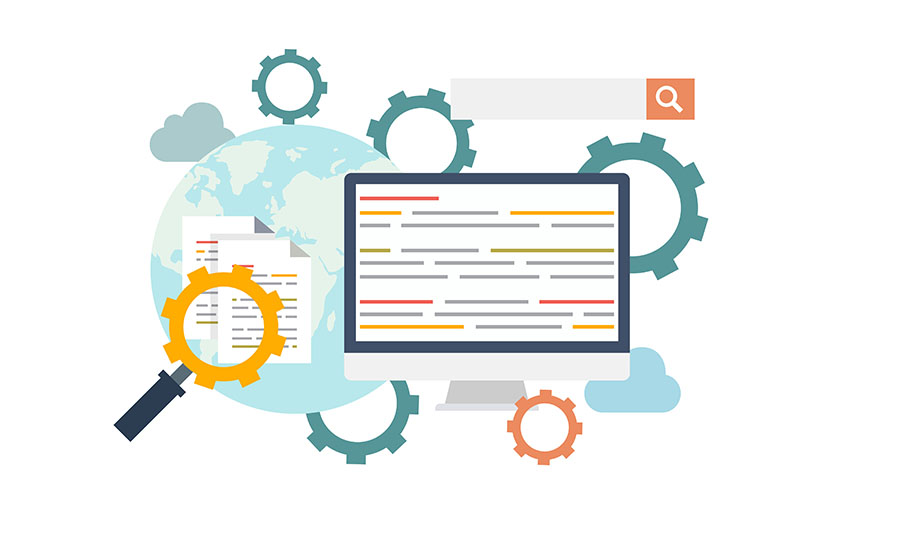
On the surface, an internal search engine looks simple — you type a search term, press Enter, and find what you need. But behind that simplicity is a complex system that organizes, understands, and retrieves data from across an organization’s digital workspace. Modern internal search engines combine technical indexing with intelligent processing to serve fast, relevant results based on what each person is looking for and what they have access to. In this section, we’ll walk through how these systems work, step by step.
Step #1: Data Crawling and Indexing
The first and foundational phase of any internal search engine is data crawling and indexing.
Imagine the engine as a team of robotic librarians who go into every part of a company’s digital library — folders, wikis, chats, document systems, and cloud drives — to read and catalogue every piece of information they can access. This crawler scans the contents of every file, reads conversations, examines task descriptions, and catalogs metadata like file type, author, date modified, and more.
Once the crawler collects this information, it doesn’t just store files randomly — it builds an organized index, which is like a master catalog similar to the index at the back of a textbook. For each word or concept, the index notes which documents contain it and where. This structure makes search extremely fast because the engine doesn’t have to read entire files when someone enters a query — it simply looks up the terms in the index and knows exactly where to find them.
For example, if the crawler detects a document titled “Q4 Budget Review” and reads that it contains terms like “budget,” “revenue,” and “expenses,” that document will be indexed under those terms. Later, even if a user types a related query like “financial planning Q4,” the search system can still find and surface that document because the indexed terms match the query.
Indexing happens continuously, not just once. As new content is added and existing content changes, the engine updates its index so that the newest information is ready to be found. This ongoing scanning ensures that search results reflect the most current state of the organization’s knowledge base.
Step #2: Query Processing and Ranking
After the crawling and indexing are complete, the search engine is ready to deliver results — but not yet intelligently. The next step is query processing and ranking.
When a user enters a search query, the internal search engine doesn’t just match keywords — it tries to understand intent. Modern systems use natural language processing (NLP) to make sense of how users write their questions, even if they don’t use perfect keywords or exact phrases present in the indexed files. For example, a query like “sales deck from last quarter” might bring up results including “Q3 Sales Presentation,” because the engine understands that “sales deck” and “sales presentation” are related.
Once the engine understands the query, it uses various ranking algorithms to determine which results are most relevant. This isn’t random — it’s based on a combination of signals such as:
Keyword relevance: How closely a document’s content matches the user’s search terms.
Contextual meaning: Whether the document’s overall topic matches the intent inferred from the query.
Recency and updates: More recent or frequently updated content may be prioritized over outdated files.
User behavior signals: If many users commonly click a particular result for similar searches, that result may be ranked higher.
Personalization: Depending on the user’s role, project context, or search history, the system may tailor results to what’s likely most helpful for that individual.
Ranking is crucial because it means users don’t have to sift through irrelevant hits — the most meaningful results appear at the top, saving time and effort.
Step #3: Results Delivery and Security Filtering
Once the engine has ranked its list of relevant matches, the next phase is results delivery and security filtering.
This step makes sure that when a user sees search results, they only see data they are allowed to see. In every organization, information access is controlled by permissions — someone in HR shouldn’t see private engineering specs, and vice versa. The internal search engine integrates with the company’s security systems to check each user’s access level before showing results.
For example, if a team member searches for “performance review templates,” the engine may be able to display general policy documents and templates that are meant for wide use. But specific employee performance reviews, which are confidential, would be filtered out for anyone not authorized to see them. This ensures compliance with privacy and security standards while still making general information easy to access.
Security filtering happens automatically and seamlessly so that users don’t even realize it’s happening — they just see results they are permitted to view.
Step #4: Machine Learning and Optimization
As internal search systems evolve, they increasingly use machine learning and optimization to refine results over time.
Traditional search engines rely on fixed algorithms, but modern internal search tools learn from user interactions. These systems watch how people behave:
Which results are clicked first.
How long users spend viewing certain documents.
What follow-up queries users make after initial searches.
By collecting and analyzing this data, the engine can adjust ranking logic, understand common patterns, and improve future search relevance.
For example, if many users consistently skip the first result and choose the third one for the same query, the system may learn that the third result actually matches user intent better. Over time, it may promote that result to a higher position. Similarly, if follow-up queries often refine the same topic, the engine may adjust how it interprets similar future searches.
Machine learning also supports semantic understanding, meaning the system can connect terms with similar meanings even if they are not exact matches — a huge advantage when people search using different phrases, abbreviations, or natural language instead of strict keyword formulas.
Integrated Workflow: Behind the Scenes
What happens behind the scenes is a workflow that ties all these steps together into a seamless experience:
Crawlers run regularly to ensure the index stays up-to-date.
Indexing structures data in a way that makes future queries lightning-fast.
User queries are parsed to understand both the literal keywords and the user intent.
Ranking algorithms weigh results based on relevance, quality, context, and behavioral signals.
Security filters ensure access control so users see only what they’re allowed to see.
Machine learning continuously improves relevance, making future search results even smarter.
This combination of crawling, indexing, intelligent query understanding, and continuous optimization is what makes internal search engines far more powerful and useful than basic keyword search or simple file-name lookup systems.
Internal search engines transform scattered digital knowledge into a centralized intelligence system, enabling teams to work smarter not harder. By understanding how these systems operate behind the scenes, organizations can better choose, implement, and refine search strategies that truly help users find what they need — fast.
Use Cases Across Teams

An internal search engine doesn’t just help one department — it adds value across the entire organization. Wherever knowledge is created, stored, or shared, internal search makes finding that knowledge faster and easier. Below are real use cases showing how internal search enhances productivity, reduces friction, and improves outcomes for different teams.
📌 Product & Engineering Teams
Finding documentation and specs instantly – Product and engineering teams often work with design specs, API documents, architecture diagrams, and technical guidelines stored in various repositories like code platforms, wikis, or shared drives. Internal search lets developers pull up the exact information they need in seconds. This reduces repeated questions in chat apps and cuts down time spent switching between tools.
Debugging and troubleshooting – Developers can search past tickets, bug reports, and solutions that others documented. Instead of writing the same fix again, they can find the history of similar issues and use existing solutions to accelerate resolution.
Cross-platform code search – Some internal search tools can index code comments and read documentation related to codebase elements. This helps engineers quickly locate code that references certain functions, modules, or variables without needing to know exact filenames.
📌 Marketing & Sales Teams
Finding past campaigns and templates – Marketing teams often reuse assets like campaign briefs, messaging scripts, design templates, and content calendars. Internal search lets marketers locate old assets quickly, helping them build future work faster.
Sales collateral discovery – Sales teams may need presentations, proposal templates, pricing documents, or contract clauses any time during client conversations. With internal search, sales reps can find the latest approved materials without asking colleagues or hunting through folders.
Shared insights and competitor info – Teams can index research documents, competitor analysis sheets, and customer feedback files in one place. Instead of relying on memory, marketers and sellers can search and find validated insights instantly.
📌 Customer Support Teams
Faster issue resolution – Support agents handle many repetitive requests from users. Internal search helps them locate help articles, product guides, and past ticket responses quickly. This speeds up response time and improves customer satisfaction.
Unified response knowledge – If documentation is scattered, agents might give inconsistent answers. Internal search ensures they can find the most accurate and updated answers, leading to consistent support quality.
Integration with help desk systems – Some search engines directly integrate with support platforms. When an agent types a question, they see related articles, standard replies, and internal notes right alongside tickets.
📌 Human Resources (HR)
Onboarding new hires quickly – HR teams manage policies, handbooks, training material, and compliance documents. With internal search, new hires can find orientation documents, PTO policies, salary grids, and benefits guides without emailing HR for each topic.
Cross-department information sharing – HR often responds to questions from finance, legal, and IT. Internal search lets HR reps pull up employment agreements, policy history, and compliance documents immediately.
📌 Executive & Leadership Teams
Strategic insights from data – Leaders often need quick access to reports, meeting notes, forecast spreadsheets, business reviews, and strategic plans. Internal search reduces time wasted digging through drives and folders, helping leaders focus on decision-making.
Meeting prep with context – For quarterly reviews or board presentations, executives can search past decks, budget notes, and analysis statements in one place instead of hunting through multiple systems.
📌 Collaboration Between Teams
Cross-functional alignment – When teams like engineering, sales, and marketing collaborate, there is often a knowledge gap because each team uses different tools and stores docs in separate places. Internal search links all of this content into a unified searchable layer so every team can access what the others know.
Project continuity – When team members leave or roles change, knowledge doesn’t disappear. Internal search retains institutional memory by indexing documents, decisions, and past discussions in a searchable format.
In every use case above, the core advantage is the same: faster access to context and answers. By enabling teams to find information instantly, internal search removes friction from workflows, reduces redundant communication, and empowers employees to work more autonomously.
Key Features to Look for in an Internal Search Engine
Not all internal search solutions are equal. When evaluating tools for your organization, it’s crucial to understand the features that truly make an internal search engine powerful, accurate, and secure. Here are the most important capabilities modern teams should look for:
🔍 1. Intelligent Crawling & Indexing
A strong internal search engine must be able to crawl and index multiple data sources — including document storage, project tools, chats, wikis, and databases. It should continuously update its index to reflect new content and changes, ensuring searches always return up-to-date results.
Why it matters: Without deep and ongoing indexing, users will not find current or complete information, making the search tool ineffective.
🧠 2. Natural Language Understanding
Modern users expect to type questions in normal conversational language — like “Where is last quarter’s OKR report?” — not in precise keyword formats. Look for a search engine that uses natural language processing (NLP) to interpret user intent, not just match keywords.
Benefits:
Understands synonyms and context
Handles complex questions
Reduces the need for exact search terms
📊 3. Relevance Ranking & Personalization
A good internal search engine should rank results based on relevance, not just word match. This means understanding:
Context of the query
User preferences or roles
Document quality and recency
For example, a marketing manager searching for “campaign results” should see the most recent and relevant campaign docs first, not outdated files.
Personalization helps tailor results based on a user’s role, past searches, and commonly clicked content.
🔒 4. Security & Access Controls
One of the biggest challenges of internal search is ensuring that sensitive information stays protected. A quality search engine must respect your organization’s permission and access rules. If a user isn’t authorized to see a document, it should not appear in their results — even if it matches the query.
What to look for:
Integration with identity systems (SSO, SAML, OAuth)
Role-based access control
Security filtering that respects user permissions
⚡ 5. Speed & Performance
Teams expect search results instantly. The tool must return accurate results with minimal delay, even when indexing millions of documents. Fast performance ensures teams don’t lose focus while waiting for answers.
📁 6. Multi-Platform & Tool Integration
Organizations use many different systems — cloud storage, CRM tools, project platforms, collaboration apps, knowledge bases, and support desks. The internal search engine should integrate with as many of these systems as possible so that all relevant data shows up in search results.
Examples of useful integrations:
Cloud drives (Google Drive, OneDrive)
Chat platforms (Slack, Teams)
Project systems (Jira, Asana, project tools)
Documentation platforms (Confluence, Notion, wikis)
📈 7. Analytics & Reporting
Search analytics help leaders understand knowledge gaps and user behavior. Tools that provide analytics can show:
What users are searching for most
Which queries return few or no results
Search performance over time
This insight helps teams know where to improve documentation and training.
📌 8. Semantic Search & Context Awareness
Semantic search goes beyond matching words and understands meaning. This means related concepts or paraphrased queries still return relevant results. For example, searching for “annual budget forecast” might surface “yearly revenue plans” because the engine recognizes conceptual connections.
🧠 9. Machine Learning & Continuous Improvement
The best internal search engines learn from user interactions — like which results are clicked most often or which searches lead users to refine their queries. Tools that use machine learning can improve relevance over time by adjusting ranking logic based on real usage patterns.
📚 10. User-Friendly Interface & Search Experience
Even the most powerful search engine is useless if users don’t find it easy to use. Essential UI features include:
Auto-suggest as you type
Highlighted keywords in result previews
Filters (by file type, date, author)
Result grouping (documents, chats, tasks, etc.)
A smooth experience reduces friction and encourages adoption.
🔎 11. Advanced Filtering & Faceted Search
Users often want to narrow down results quickly — for example, by date, file type, team, or project. Look for tools that allow advanced filtering so users can refine search results intuitively.
🧩 12. Customization & Extensibility
Every organization has unique needs. A flexible internal search engine should allow customization — such as ranking rules, indexing frequency, or metadata tagging — and be able to extend its functionality through APIs or plugins.
🛠 13. Support & Documentation
A strong support ecosystem helps ensure successful implementation and adoption. Look for vendors that provide clear documentation, training resources, and responsive support.
The value of an internal search engine isn’t just in searching text — it’s in making information accessible, secure, relevant, and context-aware. By supporting seamless access across teams and offering the features above, internal search transforms scattered knowledge into a strategic asset that fuels productivity, collaboration, and smarter decision-making.
Best Internal Search Engine Tools
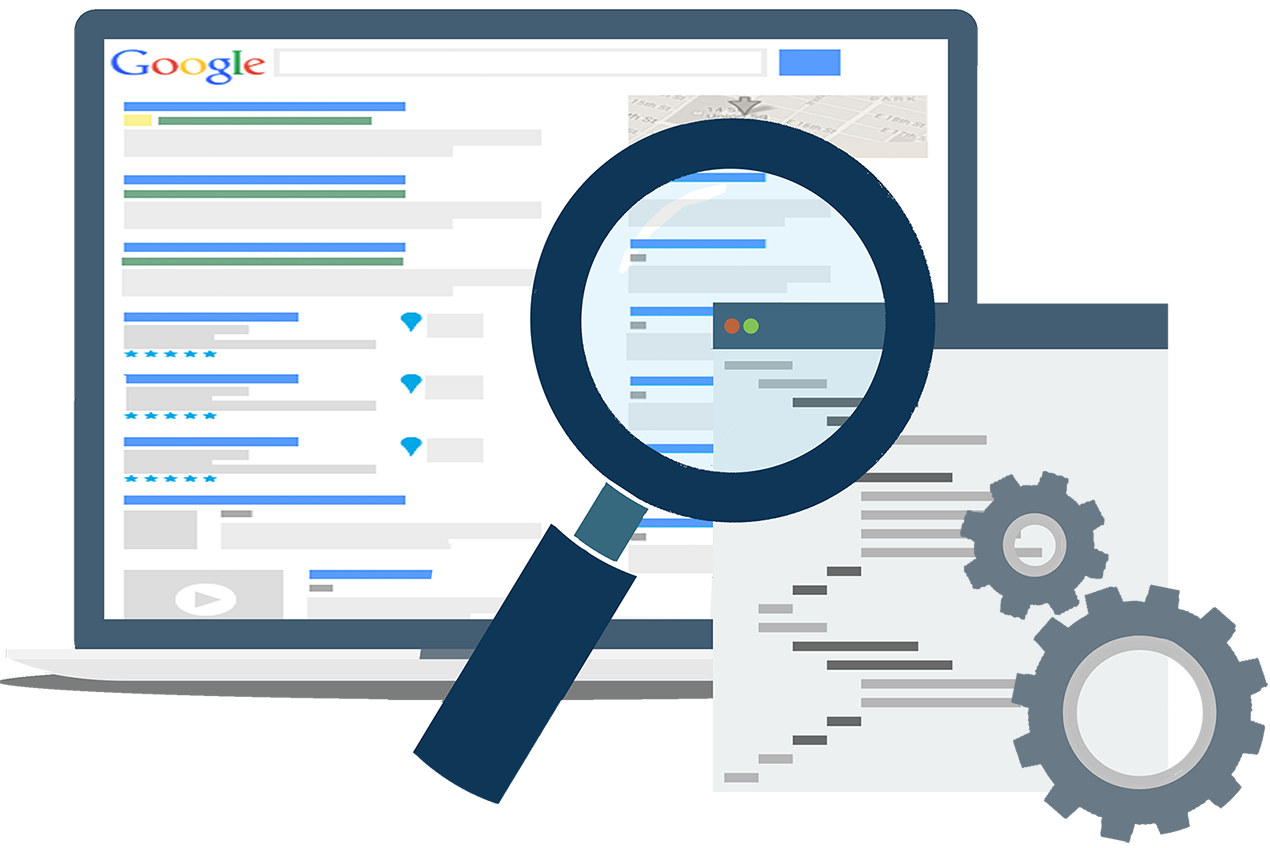
Choosing the right internal search engine tool is essential for teams that want fast access to information, better collaboration, and improved productivity. While there are many solutions on the market, one platform that stands out — especially for teams looking for a unified workspace that includes search alongside collaboration, project management, and business operations — is Corexta.
🔧 What Is Corexta?
Corexta is a comprehensive business management platform designed to centralize key organizational functions into a single dashboard. It brings together project management, client and finance tools, HR and payroll capabilities, communication features, and a searchable knowledge repository, all under one roof. This unified approach reduces the number of disconnected tools teams must juggle and ensures that important information is easy to find and use.
At its core, Corexta aims to replace scattered systems by offering an all-in-one internal workspace where teams can manage tasks, documents, calendars, client information, and internal communication — making internal search and knowledge retrieval more intuitive and integrated into everyday workflows.
🔍 Corexta’s Search and Knowledge Capabilities
Rather than acting only as a basic file lookup feature, Corexta incorporates internal search within a broader digital workplace experience. This means users can quickly find relevant documents, policies, processes, and stored information directly from the platform’s centralized knowledge base — without leaving the system or switching between tools.
Here’s how Corexta’s internal search capabilities support teams:
📚 Central Knowledge Hub
Corexta allows organizations to build a centralized repository of documents, guidelines, best practices, policy files, and other internal resources. Staff can store and retrieve this content when needed, reducing time wasted searching for scattered information.
🧠 Unified Search Across Data Types
Because Corexta integrates multiple tools — from project task lists and HR records to client files and finance documentation — the internal search function can scan across these systems. This unified search capability ensures users find relevant information no matter where it resides within the Corexta platform.
💡 Real-Time Results
Search results are delivered quickly via the platform’s index, helping users skip manual digging and focus on actionable insights. Whether it’s locating a project specification, a policy update, or a knowledge article, the internal search feature brings accurate results to the forefront of your workspace.
💼 Why Teams Choose Corexta
Corexta’s internal search engine is more than a standalone feature — it’s part of a holistic system that connects information, workflows, and communication. Here are key reasons teams adopt Corexta for internal search and productivity:
All-in-One Interface: Users don’t need separate tools for search, project dashboards, communication channels, or document storage — everything lives inside Corexta.
Improved Collaboration: Integrated chat, notifications, and searchable shared documents enhance how teams communicate and find what they need.
Efficient Onboarding: New team members can quickly look up onboarding materials, policies, and internal guides instead of asking colleagues for help.
Scalable for Growing Teams: With configurable access and customizable roles, Corexta’s search and information management scale with business growth.
⭐ Final Thoughts on Corexta as an Internal Search Tool
While many internal search engines focus solely on indexing documents or chat logs, Corexta offers a broader solution by combining powerful search functionality with project and business process management. This means teams get both the search capability they need and the contextual workspace that makes that search meaningful — all within one reliable platform.
Smarter Search Starts With Corexta
Searching shouldn’t slow teams down. If your team wastes time trying to recall where files, conversations, or decisions were stored, there’s a better way.
Corexta’s connected search brings together tasks, documents, chats, and dashboards into one streamlined search experience. With AI-powered insights, custom fields and tags that refine results, and secure permissions that protect sensitive data, your team gets the information it needs fast.
With tasks, documents, chats, and customizable templates all integrated into one intelligent platform, Corexta gives you a complete internal search and work management solution. Experience it for yourself — start using Corexta today! ✅
Read More: How to Use Meta AI for Business Messaging in 2026