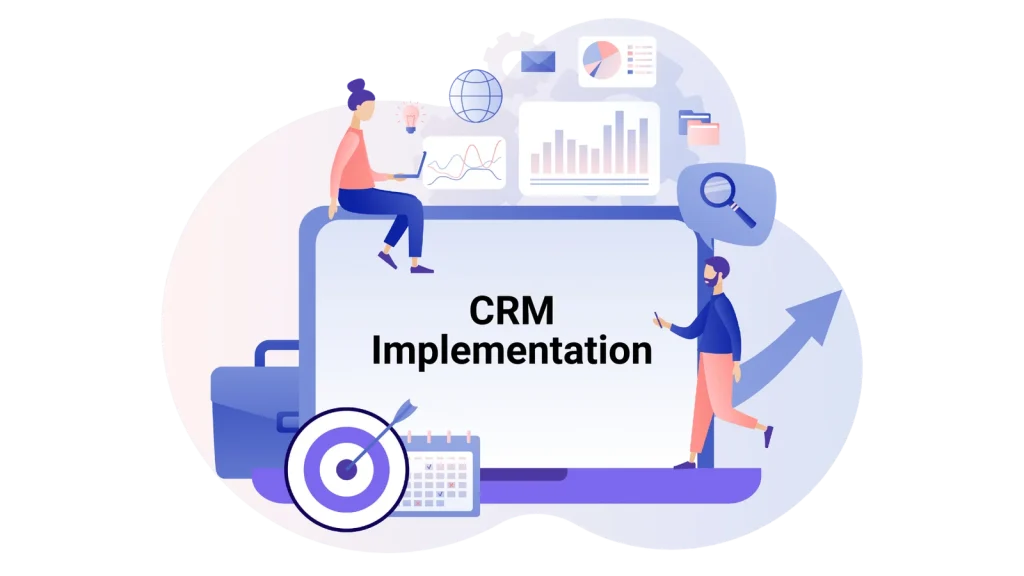
CRM software is crucial for businesses seeking to streamline their operations and enhance customer relationships. But what exactly is CRM software? In simple terms, CRM stands for Customer Relationship Management. It’s a technology that helps businesses manage interactions with current and potential customers.
Now, let’s delve into what exactly constitutes a Business CRM.
Why is it important to choose the right CRM software for business efficiency?
Selecting the appropriate CRM software can significantly impact a company’s efficiency and bottom line. The right CRM solution can automate repetitive tasks, provide valuable insights through analytics, and improve collaboration among teams. Businesses can achieve higher productivity and better outcomes by optimizing workflows and enhancing customer interactions.
Must-have CRM Features for Your Business to Have
There are lots of essential features that a CRM for your business must have.
>It may take on a significant portion of the effort, automating all sales procedures while helping firms successfully manage prospects and current clients.
>Before purchasing, you should review the essential features and functionalities offered, focusing on what is available on the market and which specific functionalities your organization requires. Platforms differ widely, so start by outlining your needs and conduct thorough research.
1. Contact Management
First and foremost, effective contact management is crucial for any business. With a robust CRM system, you can easily organize and track all your customer contacts in one central location. This means no more searching for the necessary information through endless spreadsheets or email chains. Instead, you can quickly access contact details, communication history, and other relevant information with just a few clicks
Moreover, a sound contact management system allows you to segment your contacts based on various criteria, such as demographics, purchase history, or engagement level. This enables you to tailor your communication and marketing efforts to specific groups, increasing the likelihood of success.
2. Lead Management
In addition to managing existing contacts, effective lead management is essential for driving business growth. A CRM system with robust lead management capabilities lets you capture, track, and nurture leads throughout the sales cycle.
With lead management features, you can easily capture leads from various sources, such as website forms, social media, or email campaigns. Once captured, you can assign leads to the appropriate sales representatives, track their progress, and prioritize follow-up activities.
Furthermore, a sound lead management system provides insights into lead behavior and engagement, allowing you to identify hot prospects and focus your efforts where they’re most likely to yield results.
3. Interaction Tracking
Interaction tracking is like a virtual notebook, recording your team’s interaction with customers. It captures everything from emails and phone calls to meetings and social media interactions. This feature ensures that no valuable conversation slips through the cracks, helping to maintain continuity and build stronger relationships.
Moreover, tracking interactions can provide insights into customer preferences, pain points, and behavior patterns. This information is invaluable for tailoring your approach to each customer and delivering personalized experiences.
4. Customer Analytics
Customer analytics is the crystal ball of CRM software, offering valuable insights into customer behavior and trends. It goes beyond basic metrics to better understand your customer base.
You can uncover patterns and correlations that reveal hidden opportunities and threats with customer analytics. For example, you might discover that a particular demographic segment is exceptionally responsive to a specific marketing campaign, prompting you to allocate more resources accordingly.
Furthermore, customer analytics enables you to measure the effectiveness of your marketing efforts and customer interactions. By tracking key performance indicators (KPIs) such as customer acquisition cost, lifetime value, and churn rate, you can identify areas for improvement and make data-driven decisions.
5. Sales Analytics
Sales Analytics is like having a magnifying glass for your sales data. It lets you focus on key metrics like revenue, pipeline health, and sales team performance. Analyzing this data allows you to identify trends, spot opportunities, and address challenges before they escalate.
With Sales Analytics, you can track the entire sales process from lead to close. This visibility enables you to optimize your sales strategy, allocate resources effectively, and confidently forecast future performance.
6. Reports and Dashboards
Reports and Dashboards are the control center of your CRM system. They provide a bird’s-eye view of your business operations, consolidating data from various sources into easy-to-understand visualizations.
Reports offer detailed insights into specific areas of your business, such as sales performance, customer satisfaction, or marketing ROI. Meanwhile, Dashboards provide a real-time snapshot of critical metrics and KPIs, allowing you to monitor progress at a glance.
Moreover, Reports and Dashboards can be customized to suit your unique business needs. Whether you need a daily sales report or a quarterly performance review, you can tailor the information to meet your requirements.
7. Mobile CRM
Mobile CRM brings the power of your CRM system to your fingertips, allowing you to access critical data anytime, anywhere. Whether in the office, on the road, or meeting with a client, you can stay connected and productive.
Mobile CRM lets you view and update customer information, track sales activities, and respond to inquiries. This flexibility enables you to provide better service and make informed real-time decisions.
Moreover, Mobile CRM enhances collaboration among team members by enabling seamless communication and sharing of updates. This ensures that everyone stays on the same page, regardless of location.
8. Sales Automation
Sales Automation takes the grunt work out of the sales process, freeing up time for your team to focus on more meaningful tasks. From lead nurturing and follow-up to quote generation and order processing, automation streamlines repetitive tasks and accelerates the sales cycle.
With Sales Automation, you can set up workflows and triggers to automatically assign tasks, send reminders, and track progress. This saves time and ensures consistency and accuracy in your sales efforts.
Furthermore, Sales Automation enables you to identify and prioritize high-value leads, increasing the likelihood of conversion. By automating routine tasks, your sales team can devote more time and energy to building relationships and closing deals.
9. Sales Forecasting
Sales Forecasting is like peering into your business’s future. It enables you to anticipate future sales trends, identify opportunities, and mitigate risks. You can make informed predictions about future sales performance by analyzing historical data and market trends.
With Sales Forecasting, you can set realistic sales targets, allocate resources effectively, and prioritize opportunities. This proactive approach lets you stay ahead of the curve and adapt quickly to changing market conditions.
Moreover, Sales Forecasting provides valuable insights into the health of your sales pipeline. By tracking key metrics such as sales velocity, conversion rates, and win/loss ratios, you can identify bottlenecks and areas for improvement.
10. Customer Support
Customer Support is the backbone of any successful business. It’s more than just resolving issues; it’s about building lasting relationships and delivering exceptional experiences. You can provide seamless and personalized support across all channels with the right CRM software.
From ticket management and self-service portals to live chat and social media integration, Customer Support features empower you to deliver timely and practical customer support. This not only enhances customer satisfaction but also builds loyalty and trust.
Furthermore, Customer Support features enable you to track and analyze customer interactions, identify recurring issues, and measure customer satisfaction. This feedback loop allows you to improve your support processes and continuously exceed customer expectations.
What Important Features Should Your Requirements Include for Business CRM?
Now that we’ve explored the essential features of CRM software for optimizing business efficiency, it’s crucial to consider what features your specific requirements should include for a Business CRM.
Firstly, consider the unique needs of your business. Are you a small startup or a large enterprise? Your CRM requirements will vary based on factors such as company size, industry, and target market.
Secondly, think about integration capabilities. Your CRM system should seamlessly integrate with other tools and platforms used in your business ecosystem, such as email marketing software, accounting software, and e-commerce platforms.
Furthermore, customization options are key. Your CRM solution should be flexible enough to adapt to your business processes and workflows. Look for features that allow you to customize fields, layouts, and workflows to match your specific requirements.
Moreover, scalability is essential. As your business grows, your CRM needs will evolve. Ensure that your CRM software can scale with your business, accommodating increasing data volumes, users, and functionalities.
Additionally, consider ease of use. A user-friendly interface and intuitive navigation are critical for ensuring adoption and maximizing productivity across your organization.
Lastly, prioritize security and data privacy. Your CRM system should adhere to industry standards and regulations to protect sensitive customer information and maintain trust.
Don’t Forget Your Reasons for Selecting a Business CRM!
Now that we’ve explored the essential features of CRM software and considered what features your business requirements should include, it’s important not to lose sight of your reasons for selecting a Business CRM.
Firstly, remember the primary goal: to optimize your business efficiency. Keep in mind the specific pain points and challenges you aim to address with your CRM solution. Whether it’s improving customer communication, streamlining sales processes, or enhancing data management, your chosen CRM should align with your overarching business objectives.
Secondly, consider the long-term benefits. Investing in a Business CRM is not just about solving immediate problems; it’s about future-proofing your business and laying the foundation for sustainable growth. Evaluate how each CRM feature contributes to your business goals and envision how it will support your operations as you scale and evolve.
Furthermore, think about user adoption and training. Your CRM software is only as effective as the people who use it. Ensure that your team understands the value proposition of the CRM system and receives adequate training to maximize its potential. Encourage feedback and continuous improvement to drive user engagement and satisfaction.
Moreover, keep an eye on the bottom line. While it’s tempting to prioritize cost savings, remember that the true value of a Business CRM lies in its ability to generate revenue and drive profitability. Consider the return on investment (ROI) of each CRM feature and prioritize those that deliver the most significant impact on your business outcomes.